> ## Documentation Index
> Fetch the complete documentation index at: https://docs.covver.io/llms.txt
> Use this file to discover all available pages before exploring further.
# Getting Started
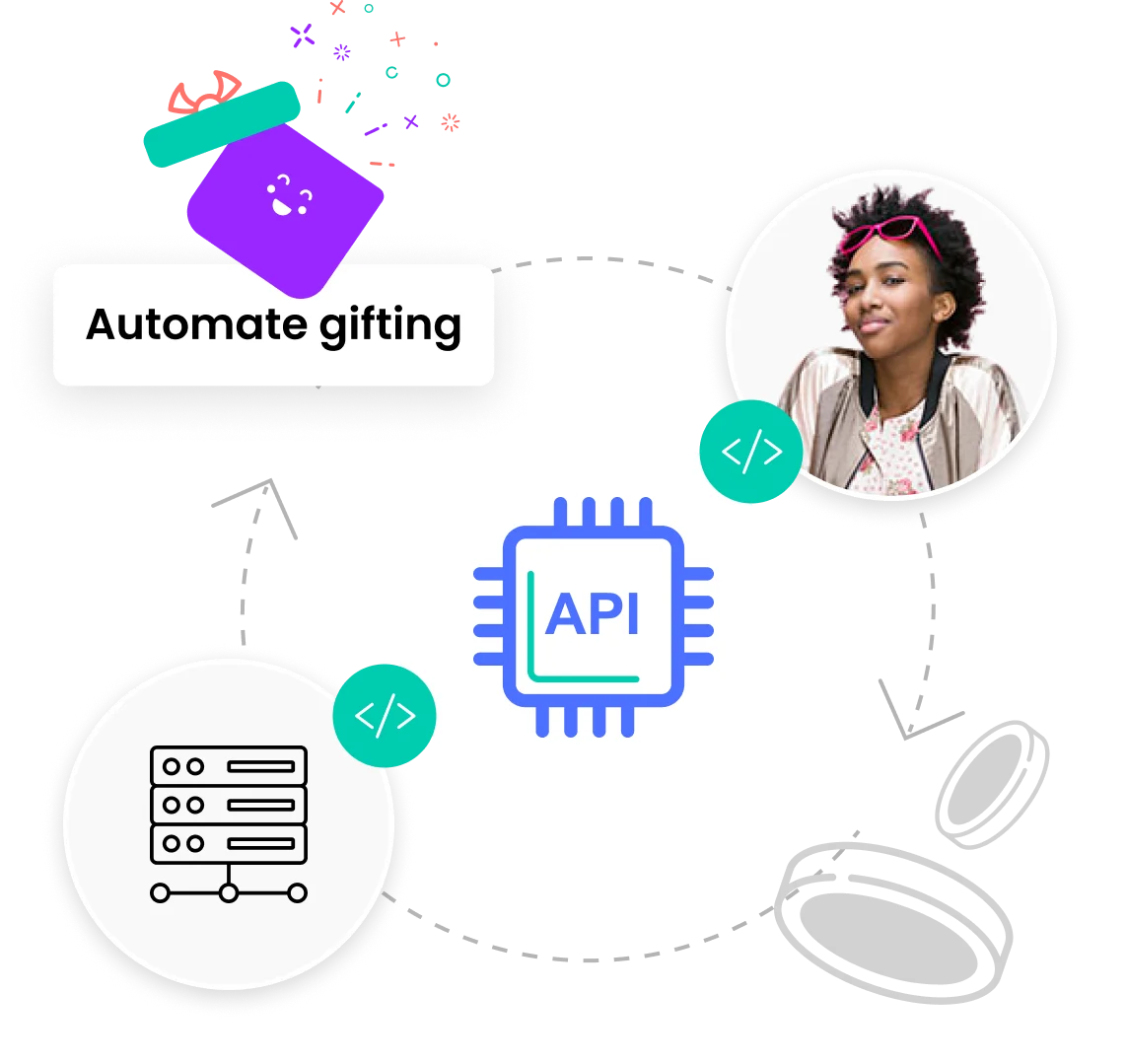
> Covver's API gives you full power to create engaging experiences, branded and personalized gifts, and custom gifting workflows
 ## MCP
Run this to get Covver's docs inside your code editor MCP configuration:
`npx mint-mcp add covver`
## Environments
* Staging - `https://staging-api.covver.io`
* Production - `https://api.covver.io`
## Rate limit
There are no rate limits at the moment
## Explore the API
Authenticate your app with the Covver API
Query to get collections, products variants and images to display in your own eCommerce experience
Place orders and query order status
Create an entire branded store for your customers using a simple API, and benefit from our advanced computer vision algorithms
Manage people with access to the store, and manage their credits or gifts budget
## MCP
Run this to get Covver's docs inside your code editor MCP configuration:
`npx mint-mcp add covver`
## Environments
* Staging - `https://staging-api.covver.io`
* Production - `https://api.covver.io`
## Rate limit
There are no rate limits at the moment
## Explore the API
Authenticate your app with the Covver API
Query to get collections, products variants and images to display in your own eCommerce experience
Place orders and query order status
Create an entire branded store for your customers using a simple API, and benefit from our advanced computer vision algorithms
Manage people with access to the store, and manage their credits or gifts budget